Alerting & Error Notifications: Engineering for Vibe Coders
Logs tell you what happened. Alerts tell you that something needs attention.
Many vibe coded prototypes rely on logs or user complaints to surface problems. That works until real users arrive. At that point, silent failures become trust breakers.
Alerting and error notifications are how systems ask for help when something goes wrong.
Alerting Is Not Logging
Logging is passive. It records information for later inspection.
Alerting is active. It interrupts a human because a threshold has been crossed or an unexpected condition occurred.
If your system only logs errors, you will discover problems too late. If it alerts on everything, you will learn to ignore it.
The goal is not to alert often. The goal is to alert when action is required.
🟢 Pre-prototype habit:
Before writing code, decide:
- Which failures require immediate human attention
- Which can wait for investigation
- Which do not matter at all
Not All Errors Deserve Alerts
Many errors are expected.
Users submit bad input. Requests time out occasionally. Retries fail and succeed later.
Alerting on every error creates noise. Noise trains people to ignore alerts.
Alerts should represent symptoms of user impact or system instability, not every exception.
🟢 Pre-prototype habit:
For each error type, classify it as:
- Action required now
- Action required later
- No action required
Alerts Need Clear Ownership
An alert without an owner is just a message.
When something fires, someone needs to know:
- Who is responsible
- What action to take
- Where to look first
AI generated systems often lack clear operational ownership. That is fine for demos. It breaks down quickly with real users.
🟢 Pre-prototype habit:
For each planned alert, write down:
- Who receives it
- What they are expected to do
- How quickly they should respond
Alert Thresholds Are Design Decisions
Choosing when an alert fires is a form of system design.
Too sensitive and you get noise. Too loose and you miss real issues.
Thresholds should be tied to user experience and business impact, not arbitrary numbers.
A slow response time might matter during peak hours and not matter overnight. Alerting should reflect that reality.
🟢 Pre-prototype habit:
Define thresholds in advance:
- What metric crossing which value triggers an alert
- How long it must stay there
- What user impact that represents
Notifications Shape Human Behavior
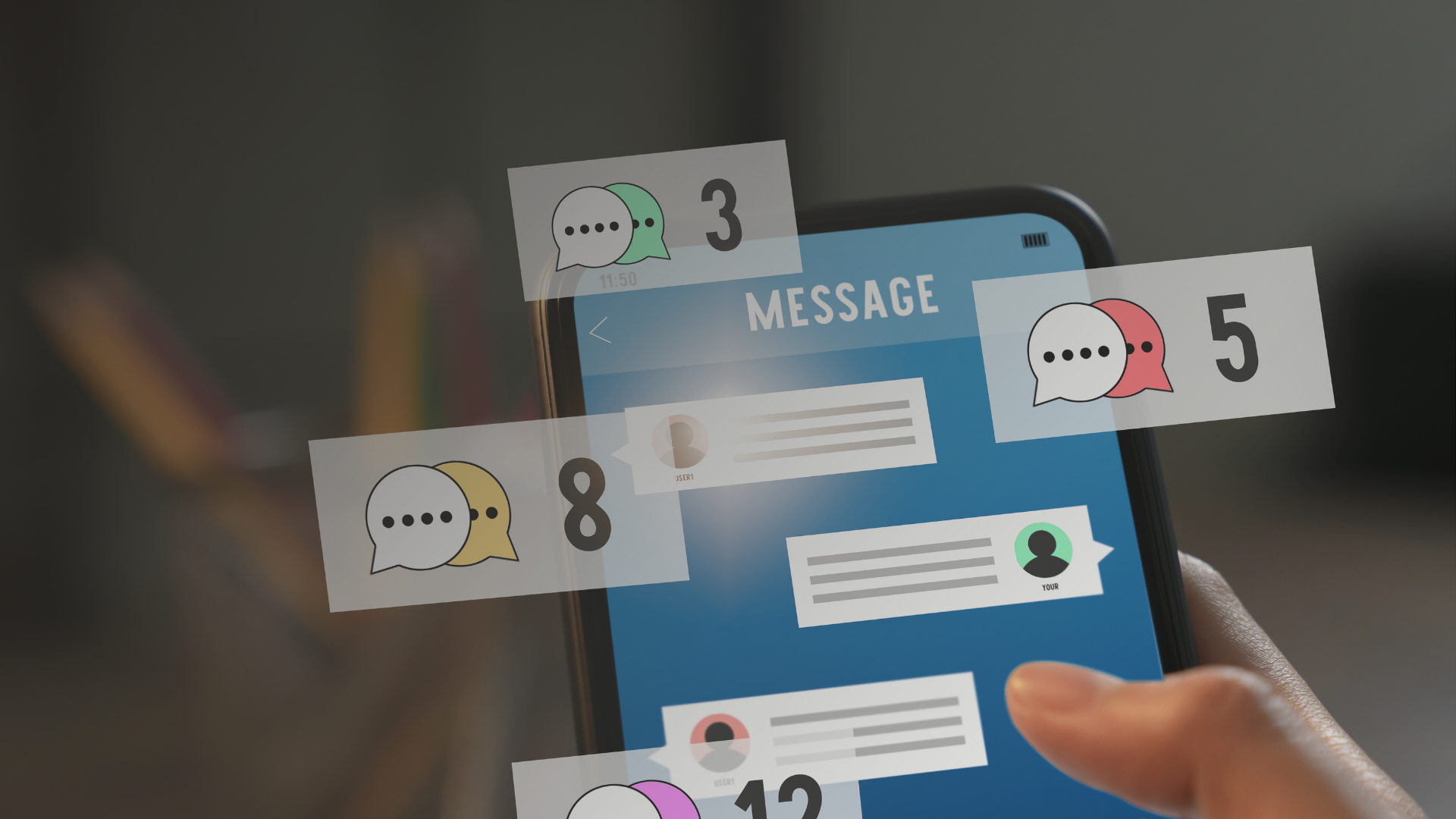
Alerts change how people interact with systems.
Too many notifications lead to alert fatigue. Too few create blind spots. The system should respect human attention as a limited resource.
Well designed alerting builds trust. People know that when an alert fires, it matters.
🟢 Pre-prototype habit:
Ask yourself:
- Would I want to be notified about this at 2 a.m.
- What context would I need to act quickly
- Can this alert include a next step
Why Alerting & Error Notifications Matter for Vibe Coders
AI can generate code that fails silently.
Alerting is how failures become visible and actionable.
For vibe coders, alerting turns a prototype into a system that can be trusted. It helps you respond before users complain and before small issues become outages.
If performance monitoring tells you how the system behaves, alerting tells you when that behavior matters.
See the full list of free resources for vibe coders!
Still have questions or want to talk about your projects or your plans? Set up a free 30 minute consultation with me!