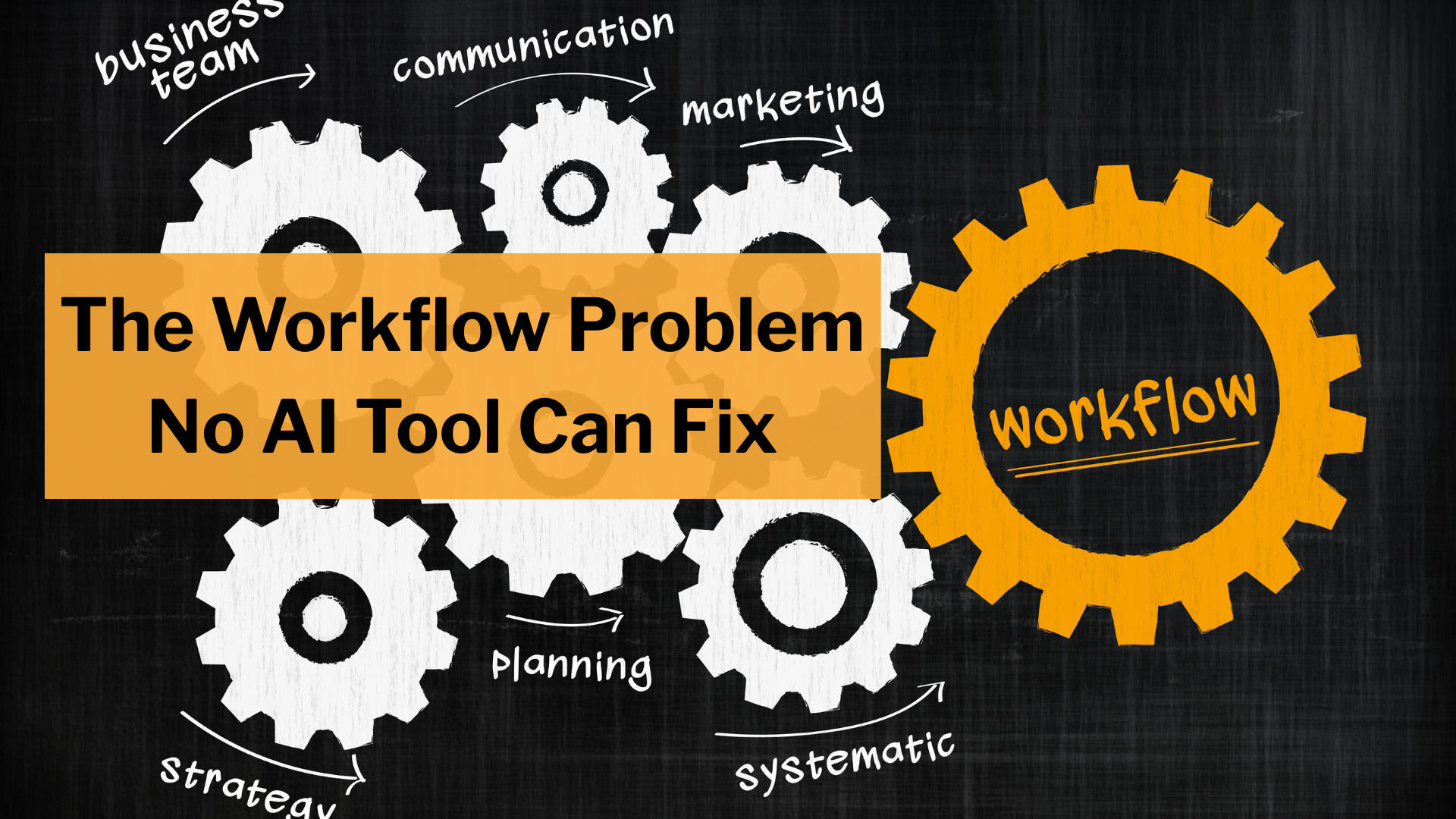
The Workflow Problem No AI Tool Can Fix
There’s a question I hear in almost every executive conversation about AI right now:
“What tools should we be using?”
It’s a reasonable question. There are hundreds of AI products on the market, and the landscape changes every few months. It feels urgent to pick the right ones.
But it’s the wrong starting point. And I think a lot of leaders are starting to feel that in their gut, even if they haven’t fully articulated why.
Here’s a pattern I see constantly. A company picks an AI tool, runs a pilot, and the results are… fine. Not transformative. Not terrible. Just fine. Maybe it saves a few hours a week. Maybe the output quality is hit or miss. The team concludes that the tool wasn’t quite right, so they try another one. Same story. Eventually someone in the room says, “Maybe AI just isn’t ready for what we do.”
But that’s usually wrong. The AI was ready. The work wasn’t.
The better question to ask is: “What parts of our work are structured enough for AI to actually help?”
Because here’s the uncomfortable truth that most companies discover after a few months of AI experimentation: the tool wasn’t the problem. The work was.
AI doesn’t magically make messy work faster. It accelerates work that is already well-formed. If your process is vague, inconsistent, or dependent on the one person who “just knows how things work,” AI will give you inconsistent output, unpredictable quality, and speed gains that evaporate the moment you factor in rework.
If your process is structured, something different happens. AI output becomes predictable. Quality improves over time. Speed compounds as the models get better.
Here’s the line I keep coming back to: AI doesn’t optimize your work. It amplifies the structure of your work.
That distinction matters more than which tool you pick.
The Illusion of Process
Let me make this concrete with an example that almost every company has: client onboarding.
If you asked most teams to describe their onboarding process, they’d give you something like this: intake, account setup, kickoff call, training, handoff to the ongoing team. Sounds structured. Looks clean on a slide deck. And if you asked whether AI could help streamline it, most people would say yes.
But watch what actually happens when a new client comes in.
The intake form exists, but it’s filled out inconsistently. Some clients give you everything you need; others give you almost nothing, and someone on your team ends up chasing down basic information over email for two weeks. The account setup involves a checklist, but half the steps live in someone’s head because “it depends on the client.” Ask two different people on the team to set up the same account, and you’ll get two different results. The kickoff call has no standard agenda; it varies based on whoever is running it that week, which means the client experience varies too. Training materials are scattered across three different platforms, and nobody’s quite sure which version is current. (There’s probably a Google Doc somewhere titled “Onboarding Guide v3 FINAL (2)” that hasn’t been updated in eight months.) And the handoff to the ongoing team? That’s a Slack message and a prayer.
This isn’t a process. It’s a set of phases. The phases exist, but the actual work inside each one is improvised, inconsistent, and held together by the institutional knowledge of a few key people.
Here’s the thing: this isn’t a failing. This is normal. Most work in most companies looks like this. Teams are smart, they adapt, they fill in the gaps with judgment and experience. That works fine when humans are doing the work. But it’s exactly why AI experiments keep producing disappointing results.
Why AI Struggles with Unstructured Work
When you point an AI tool at a process like the one I just described, you’re essentially asking it to automate something that isn’t well-defined enough to automate. And this is true regardless of how powerful the AI is.
Think about what AI needs to work well. It needs clear inputs: if the information coming into a step is different every time, the AI has no reliable foundation to work from. It needs defined outputs: if you can’t describe what “good” looks like for a given step, you have no way to evaluate whether the AI did a good job. And it needs repeatable transformations: the logic that connects an input to an output should be consistent, not something that changes based on who’s doing it or what kind of mood the client is in.
Go back to the onboarding example. If the intake form is inconsistent, an AI that generates a setup plan from intake data will produce wildly different results depending on which client it’s working with. One plan might be excellent; the next might be missing critical information. If the kickoff call has no standard structure, an AI that generates prep materials for the call doesn’t know what to prepare for. If the handoff process is informal, there’s nothing for AI to systematize.
The result is what a lot of teams experience: AI that sort of works sometimes, that requires constant human oversight to catch its mistakes, and that doesn’t actually save as much time as everyone hoped. People start to lose trust in it. They go back to doing things manually, which is slower but at least predictable.
The problem isn’t the AI. The problem is that the work wasn’t ready for AI. And no tool upgrade is going to fix that.
What “AI-Ready” Actually Looks Like
This is the part that changes how you think about AI investment. Instead of asking which tool to buy, start asking what it would take to make your workflows structured enough that any AI tool could plug in and be useful.
An AI-ready workflow has five characteristics. I’ll walk through each one using onboarding to keep it concrete.
The first is explicit inputs and outputs. Every step in the workflow has a defined contract: given this specific input, produce this specific output. For onboarding, that might mean standardizing the intake form so it always captures the same core information in the same format. It means defining what a completed account setup looks like (not “the account is set up” but “these twelve fields are populated, these three integrations are configured, and this verification check has passed”). When the inputs and outputs are clear, AI can operate reliably because it knows what it’s working with and what it’s supposed to produce. This sounds obvious, but most teams have never actually written down what “done” looks like for each step. They know it when they see it. That’s not good enough for AI.
The second is decomposition into small, deterministic steps. “Set up the client account” is not a task AI can do well because it’s too broad and context-dependent. But if you break it down into smaller pieces, things change. “Extract the client’s industry and company size from the intake form and select the appropriate account template.” “Populate the account fields using the intake data.” “Flag any missing required fields for human review.” Each of those smaller steps has a clear scope that AI can handle reliably. The key is moving from big, ambiguous phases to small, specific operations. Think of it this way: if you couldn’t explain the step to a new employee in two sentences, it’s probably too big for AI to handle well.
The third is standardized artifacts. This is about consistency in the documents, templates, and formats that move between steps. If your kickoff call prep document looks different every time, AI can’t generate one reliably. But if you have a standard template (client background summary, key objectives, open questions, proposed timeline) then AI can fill that template consistently because it knows what goes where. Consistency matters more than perfection here. A good template that everyone uses beats a perfect document that only one person knows how to create.
The fourth is built-in validation layers. AI will make mistakes. That’s not a flaw in the technology; it’s just reality, and it’s true of humans too. The question is whether your workflow catches those mistakes before they reach the client. An AI-ready workflow includes checkpoints where output gets verified, either by another AI system or by a human reviewer. For onboarding, that might mean an automated check that compares the generated setup plan against the intake data to make sure nothing was missed, followed by a human review before the kickoff call. The validation layer is what turns AI from a liability into a reliable contributor. Without it, every AI-generated output requires full human review, which defeats the purpose.
The fifth is feedback loops. This is what makes the system get better over time rather than staying static. When a human reviewer catches an error in the AI’s output, that correction feeds back into the process: maybe it updates the prompt, adds a new constraint, or creates a new example for the AI to learn from. Over weeks and months, the AI gets more accurate, the human review gets faster, and the whole system improves. Without feedback loops, you’re just running the same flawed process over and over. With them, you’re building a system that learns.
None of these five characteristics require AI expertise to implement. They’re fundamentally about process design. And that’s the key insight: the work of becoming “AI-ready” is mostly the work of getting your operations in order. The AI part is almost the easy part.
The Compounding Advantage
Here’s where this really matters strategically, and it’s the reason I care more about workflow structure than tool selection.
If you optimize for tools, you get incremental gains. Your team learns to use a specific AI product, you see some efficiency improvements, and things are a bit better for a while. But then the tool changes, or a better one comes along, or the vendor pivots their product in a direction that doesn’t fit your needs. You reset and start over. The gains don’t build on each other. It’s like renting improvements instead of owning them.
If you optimize for workflows, something fundamentally different happens. Every time the underlying AI models improve (and they improve constantly), your structured workflows automatically get better. A more capable model produces higher quality output in your defined formats, makes fewer errors that your validation layers need to catch, and handles a wider range of cases within your decomposed steps. You didn’t do anything; the system just got faster and more reliable on its own.
Every new tool that comes to market can plug into your existing structure. You don’t have to rethink your process; you just swap in a better engine. Your workflows become a multiplier on external AI progress rather than a dependency on a single product.
Think about what that means over a two or three year horizon. The pace of AI improvement isn’t slowing down. Companies that have structured workflows will absorb each improvement automatically. Companies that are still trying to figure out which tool to use will be starting over every time something new comes out.
This is the real strategic argument for investing in workflow structure. It’s not just about efficiency today. It’s about building a foundation that gets more valuable over time without additional investment. Tools are leverage. Workflows determine how much leverage you get.
A Quick Note on Tools
I want to be careful not to overstate this. Tools do matter. A well-chosen AI tool with good capabilities will outperform a mediocre one, even in a well-structured workflow. And there are real differences between products that are worth evaluating.
But tools are interchangeable. Workflows are durable. If you had to choose where to invest your time and attention first, invest in the structure. You can always swap the tool later. You can’t easily swap the workflow.
Think of it this way: don’t build your process around today’s AI. Build your process so that tomorrow’s AI makes it better automatically.
Where This Is Heading
Right now, most teams are experimenting with AI at the edges. Drafting emails a little faster. Generating first versions of documents. Automating small, isolated tasks. That’s fine as a starting point, but it’s not where the real value lives. Those are one-time gains. They make individual tasks quicker, but they don’t change how work flows through your organization.
The real shift happens when AI is embedded inside the workflow itself. Not as a tool you open in a separate tab, but as a component of how work gets done. The intake form that’s automatically analyzed and routed. The setup plan that’s generated, validated, and ready for review before a human ever touches it. The kickoff prep that assembles itself from structured data. The handoff that’s documented automatically because every prior step produced a standardized artifact.
That’s when speed stops being a one-time gain and starts compounding.
The companies that figure this out first won’t just be faster. They’ll be building on a foundation that gets better every quarter, with every model improvement, with every new tool that enters the market. And the companies that keep chasing tools without fixing their workflows will keep wondering why AI hasn’t delivered on its promise.
The question isn’t what AI tool to use. The question is whether your work is ready for AI at all. And if it’s not, that’s the problem worth solving first.