Your First AI-Assisted Workflow
You’ve audited your workflows. You’ve picked an entry point. Now it’s time to build something.
This article walks through the practical steps of creating your first AI-assisted workflow. Not a theoretical framework; an actual process you can follow. By the end, you should have one workflow running where AI prepares and you decide.
The Basic Structure
Every AI-assisted workflow has the same core structure:
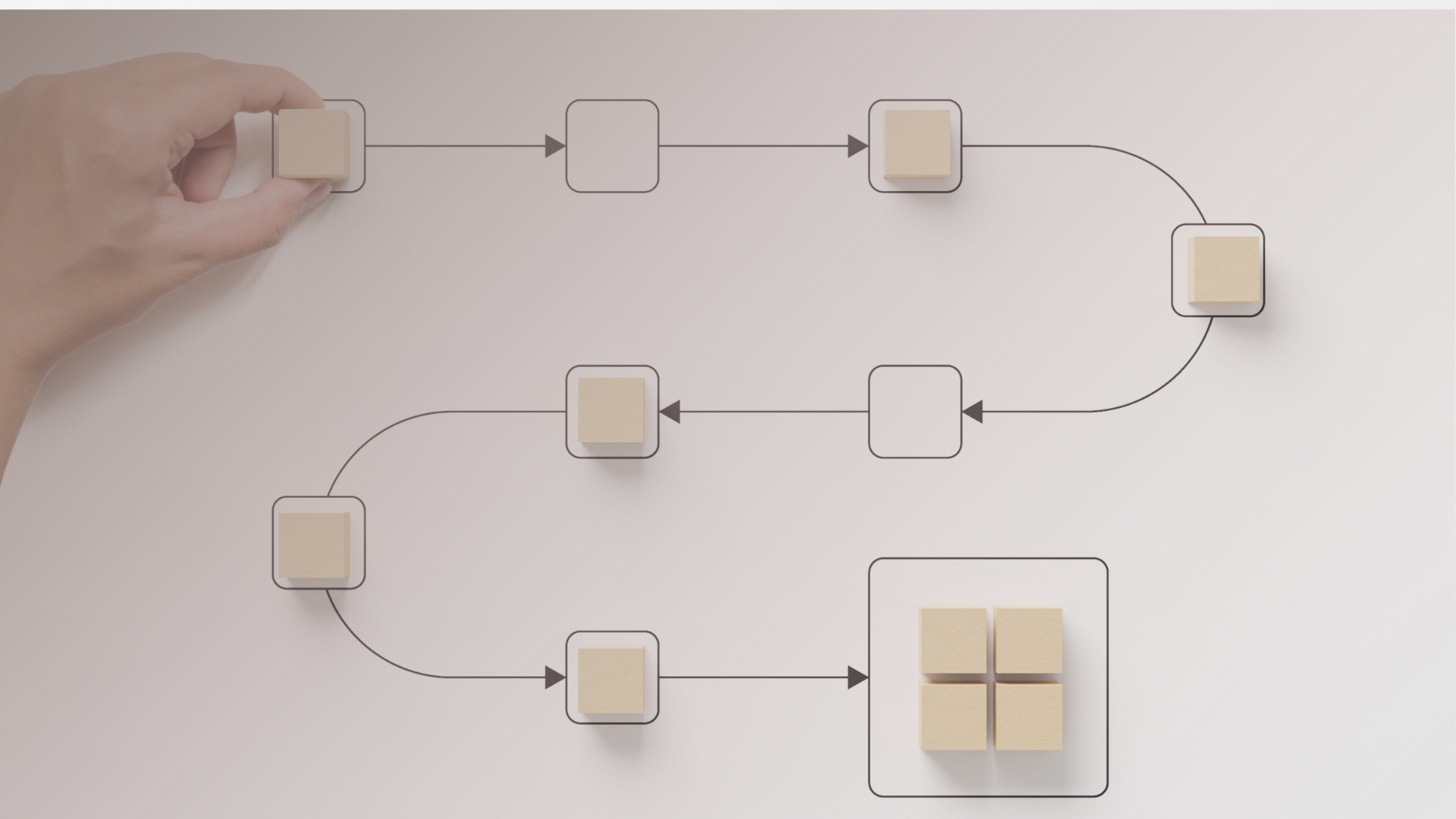
Input → AI Processing → Human Review → Action
That’s it. Information goes in, AI does something with it, you review the output, you act. The details vary, but the structure doesn’t.
This might seem obvious, but it’s worth stating clearly because it counters a common misconception. AI-assisted doesn’t mean autonomous. There’s always a human review step. You’re not hoping AI gets it right; you’re using AI to get to the review stage faster.
Keep this structure in mind as we build.
Step 1: Define the Trigger
What kicks off this workflow? When does it happen?
Good triggers are specific and recognizable. Not “when I need to write something” but “when I receive a customer inquiry email.” Not “when I’m preparing for meetings” but “the morning before any external call.”
The clearer your trigger, the easier it is to build a habit. Vague triggers mean you have to decide each time whether this is a moment to use the workflow. Specific triggers remove that decision.
Write yours down. “This workflow starts when _______________.”
Step 2: Gather the Inputs
What information does AI need to do useful work?
This is where many first attempts stumble. People give AI a task without giving it context, then wonder why the output feels generic.
Think about what you’d tell a capable assistant who was new to your work. They need:
- The raw material (the email, document, data, or request they’re working with)
- Background context (what this is about, why it matters, what’s happened before)
- Constraints (what you need, what format, what length, what to avoid)
- Examples (what good looks like, if that’s not obvious)
For your first workflow, keep this manageable. Pick something where the inputs are relatively contained. A single email thread. One document. A specific data set. You can tackle workflows with scattered inputs later.
Step 3: Specify the Output
What exactly should AI produce?
Be concrete. “A summary” is too vague. “A three-paragraph summary covering the main request, any deadlines mentioned, and recommended next steps” is specific enough to evaluate.
Good output specifications include:
- Format (bullet points, paragraphs, table, draft email)
- Length (rough word count, number of items, level of detail)
- Structure (what sections, what order, what to emphasize)
- Purpose (what you’ll do with this, which shapes how it should be written)
The more specific you are, the more useful the output, and the easier it is to spot when something’s off.
Step 4: Build the Prompt
Now you’re assembling the actual instruction. This doesn’t need to be fancy. A clear prompt has three parts:
Context: Here’s what you’re working with and why.
Task: Here’s what I need you to do.
Format: Here’s how I want the output structured.
For example:
“I received the email below from a potential client. I need to respond today but want to make sure I understand their request correctly first. Please summarize: (1) what they’re asking for, (2) any specific requirements or constraints they mentioned, (3) questions I should clarify before responding. Keep it brief; bullet points are fine.”
That’s it. No magic words, no elaborate prompting techniques. Just clear context, a specific task, and a defined format.
Step 5: Run and Review
Run the workflow. Look at what AI produces.
Your review should answer three questions:
Is this accurate? Did AI get the facts right? Did it miss anything important? Did it misunderstand something?
Is this useful? Does this actually help you take action? Does it save you time compared to doing it yourself? Is it the right level of detail?
Is this reliable? If you ran this again on similar inputs, would you expect similar quality? Or did you get lucky (or unlucky) this time?
Don’t expect perfection on the first run. Expect to learn something about what works and what needs adjustment.
Step 6: Refine the Process
Based on your review, adjust.
Common refinements:
- Adding context AI was missing
- Being more specific about output format
- Breaking a complex task into smaller steps
- Changing when or how often you run the workflow
This is normal. The first version of any workflow is a draft. You refine it through use.
The goal is to reach a point where the workflow is reliable enough that you trust it, fast enough that you actually use it, and valuable enough that it becomes habit.
A Concrete Example
Let me make this tangible. Say your entry point is “preparing for client calls.”
Trigger: The morning of any external client call.
Inputs: The calendar invite, any recent email threads with this client, and notes from the last meeting (if they exist).
Output specification: A one-page prep brief covering: who’s on the call, what we discussed last time, what’s likely on the agenda, any open issues or questions, and one thing to keep in mind.
Prompt: “I have a call with [Client] in two hours. Below are the calendar invite, recent emails, and my notes from our last meeting. Please create a short prep brief covering: attendees, recap of last discussion, likely agenda items, open issues, and anything I should keep in mind. Keep it scannable; I’ll review it quickly before the call.”
Review: Before the call, you spend two minutes scanning the brief. Is it accurate? Did it miss anything important? Did it surface something you’d forgotten?
Refinement: Maybe you realize AI needs access to your CRM notes, or the briefs are too long, or you want a section on the client’s recent news. Adjust and run it again next time.
The Takeaway
Your first AI-assisted workflow doesn’t need to be complex. Define a trigger, gather inputs, specify the output, build a simple prompt, run it, and refine based on what you learn.
The structure is always the same: AI prepares, you review, you act. Start simple, get it working, then expand.
One workflow, running reliably, teaches you more than a dozen theoretical plans.
This is the third article in the series “Building Your AI Decision Infrastructure.” Next up: the permissions question and what access AI actually needs to be useful.